For cardiac rehabilitation at home
Your heart rehab, made easy at home
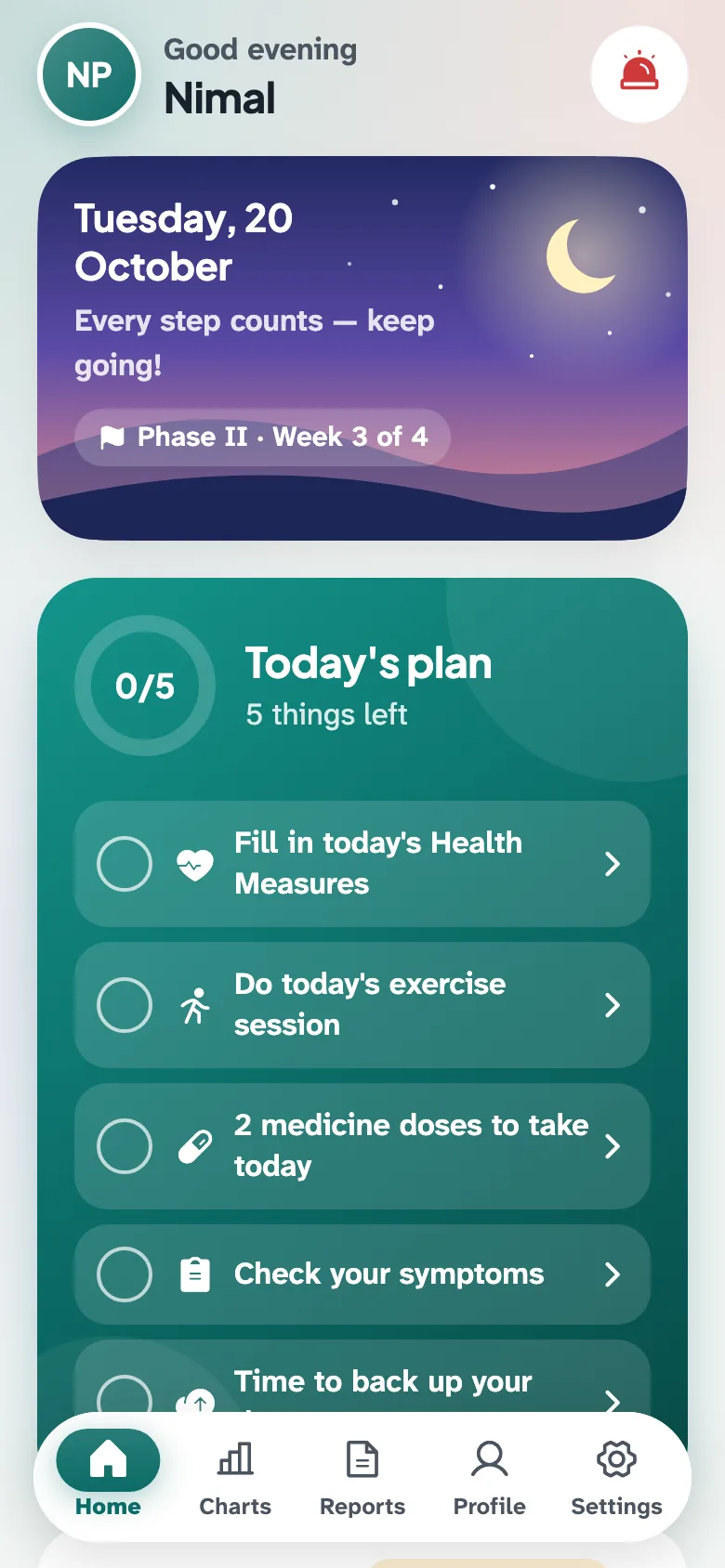
HeartPath guides your daily exercise, reminds you to take your medicines and keeps your health readings in one place.
HeartPath is not yet available for iPhone. Please use an Android phone, or ask a family member to help.
- Works without internet
- Your data stays on your phone
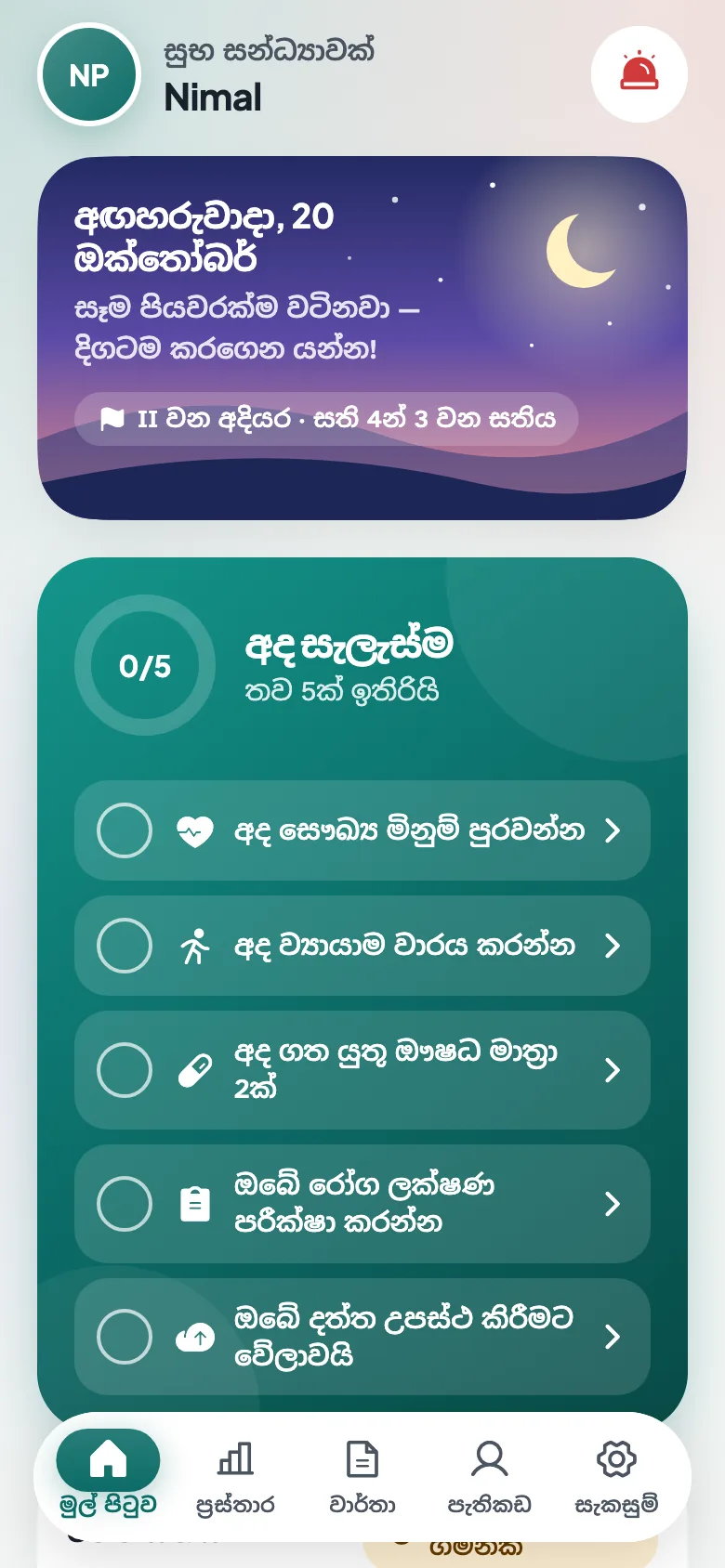
- සිංහල · தமிழ் · English
Scan this code with your Android phone's camera, then tap Download.
Android
Install in 5 easy steps
It takes about 2 minutes. Your phone may show some warnings — that is normal for apps downloaded from a website.
Tip: use Wi-Fi if you can. The app is 71 MB.
-
Step 1: Download
Tap the green Download button. If your phone warns that the file can harm your device, tap “Download anyway”.
-
2: Open the file
When the download finishes, tap “Open”. Can't see it? Open the Files app (or My Files), go to Downloads and tap HeartPath.
-
3: Allow the install
The first time only, your phone asks for permission. Tap “Settings”, turn on “Allow from this source”, then tap the back arrow.
-
4: Install
Tap “Install” and wait a few seconds.
If you see a Google Play Protect message, tap “More details” and then “Install anyway”. This message appears for every app that is not from the Play Store.
-
5: Open HeartPath
Tap “Open”. Next time, find the HeartPath heart icon on your home screen.
Words on your phone may look slightly different depending on the phone brand.
Need help?
Ask a family member to do these steps with you, or bring your phone to your next clinic visit.
Email usGetting a new version
Download and install the new version from this page, the same way. Your information is kept.
Do not uninstall the old app first — uninstalling deletes all your information.
Everything for your recovery, in one app
Made for the HomeTele-CR home cardiac rehabilitation programme.
Health Measures
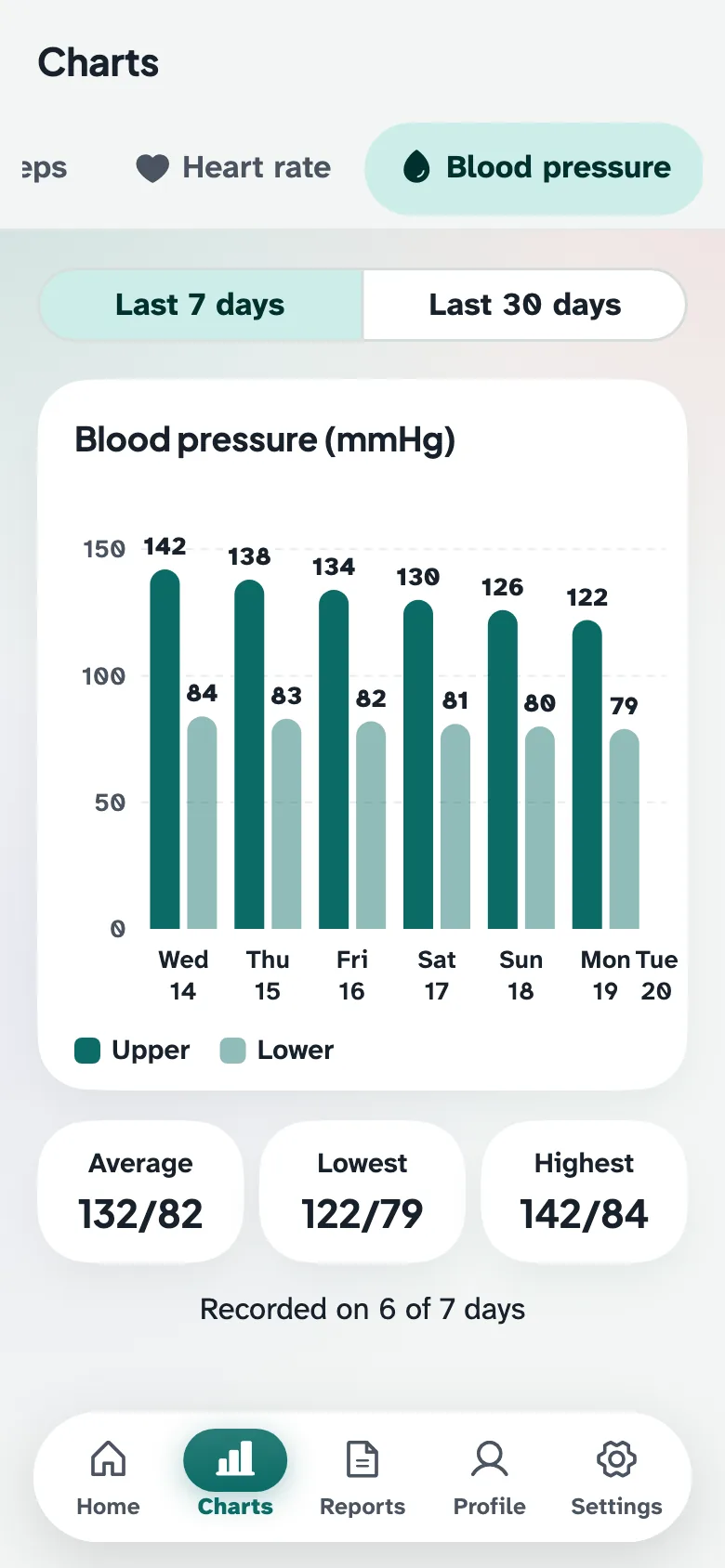
Record blood pressure, weight, sleep, steps and heart rate every day.
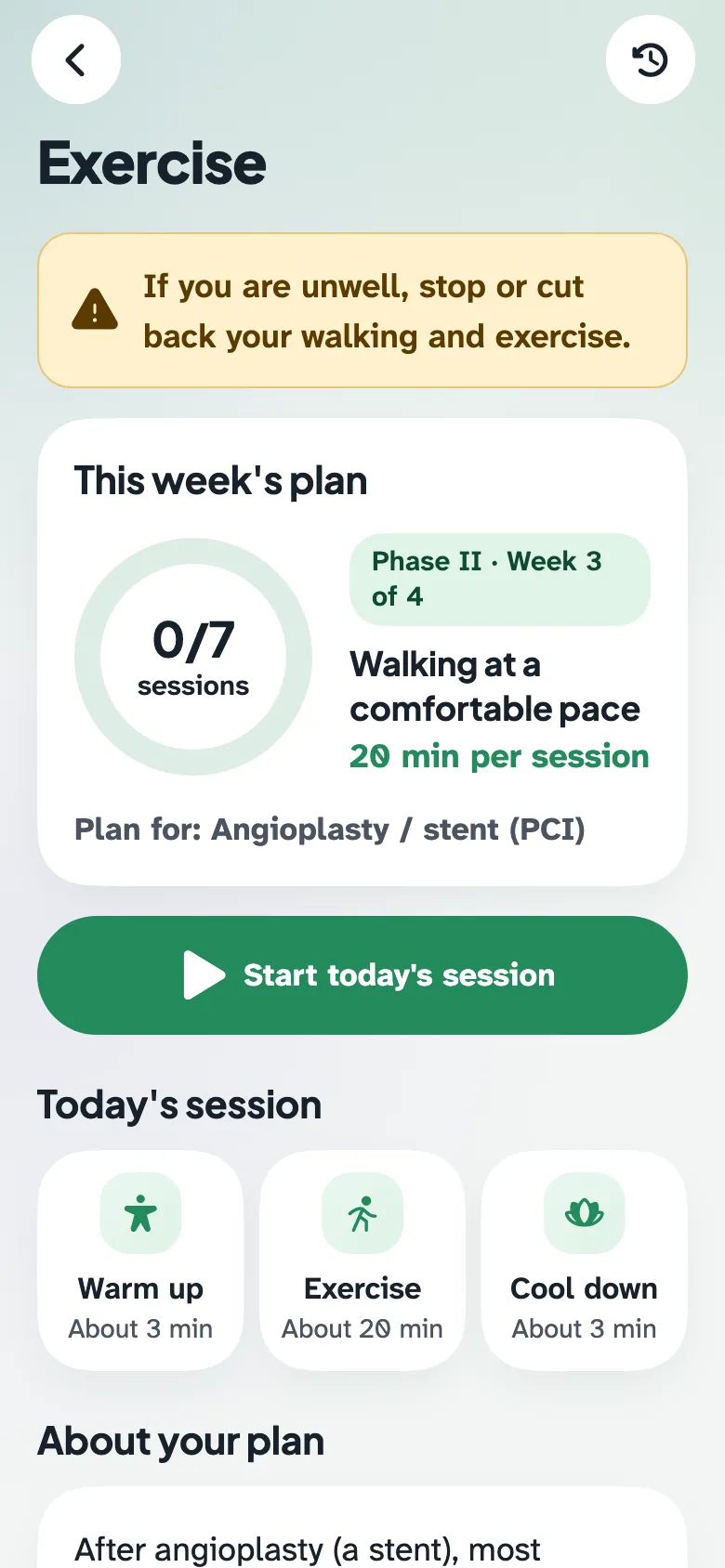
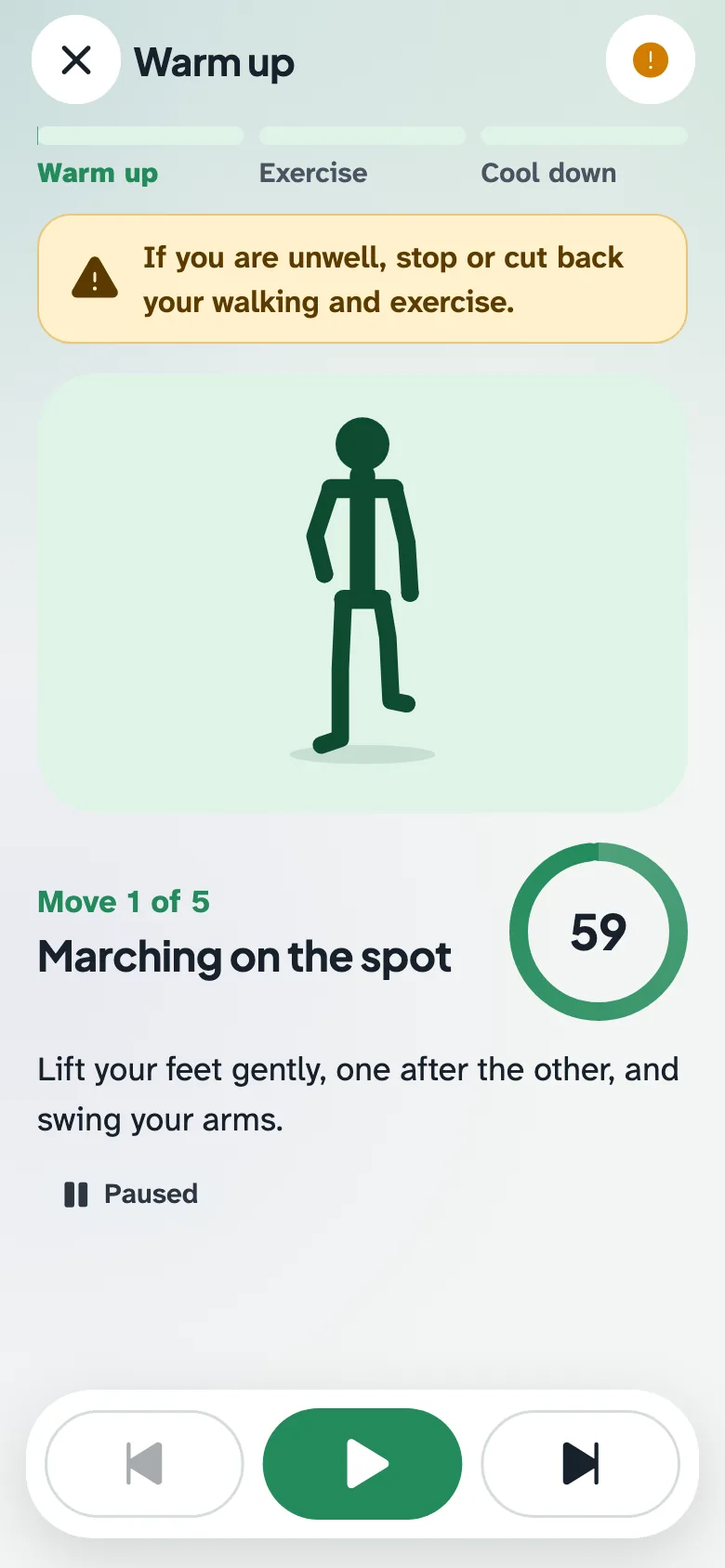
Exercise
A plan for your heart condition, with guided warm-up, walking and cool-down.
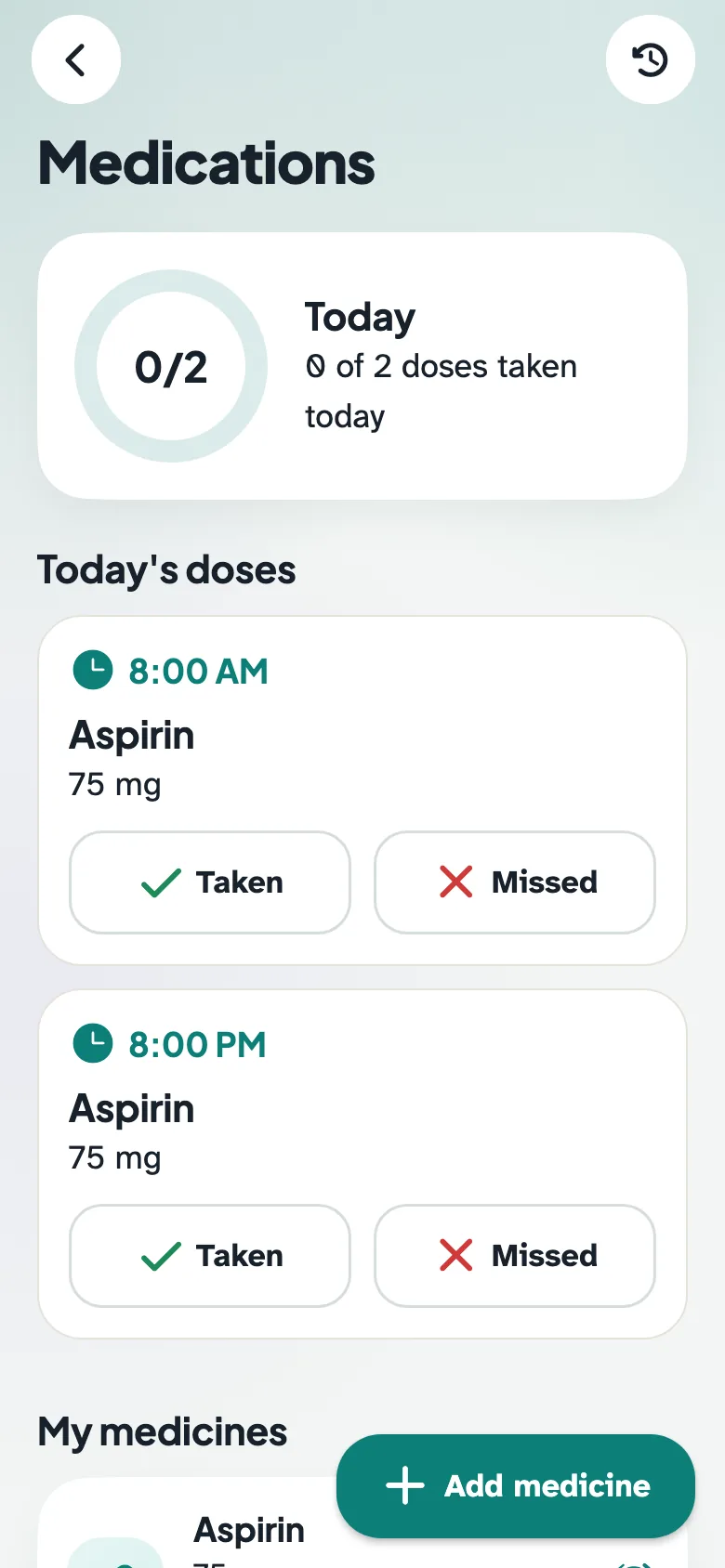
Medications
Reminders at your medicine times. Mark each dose as taken.
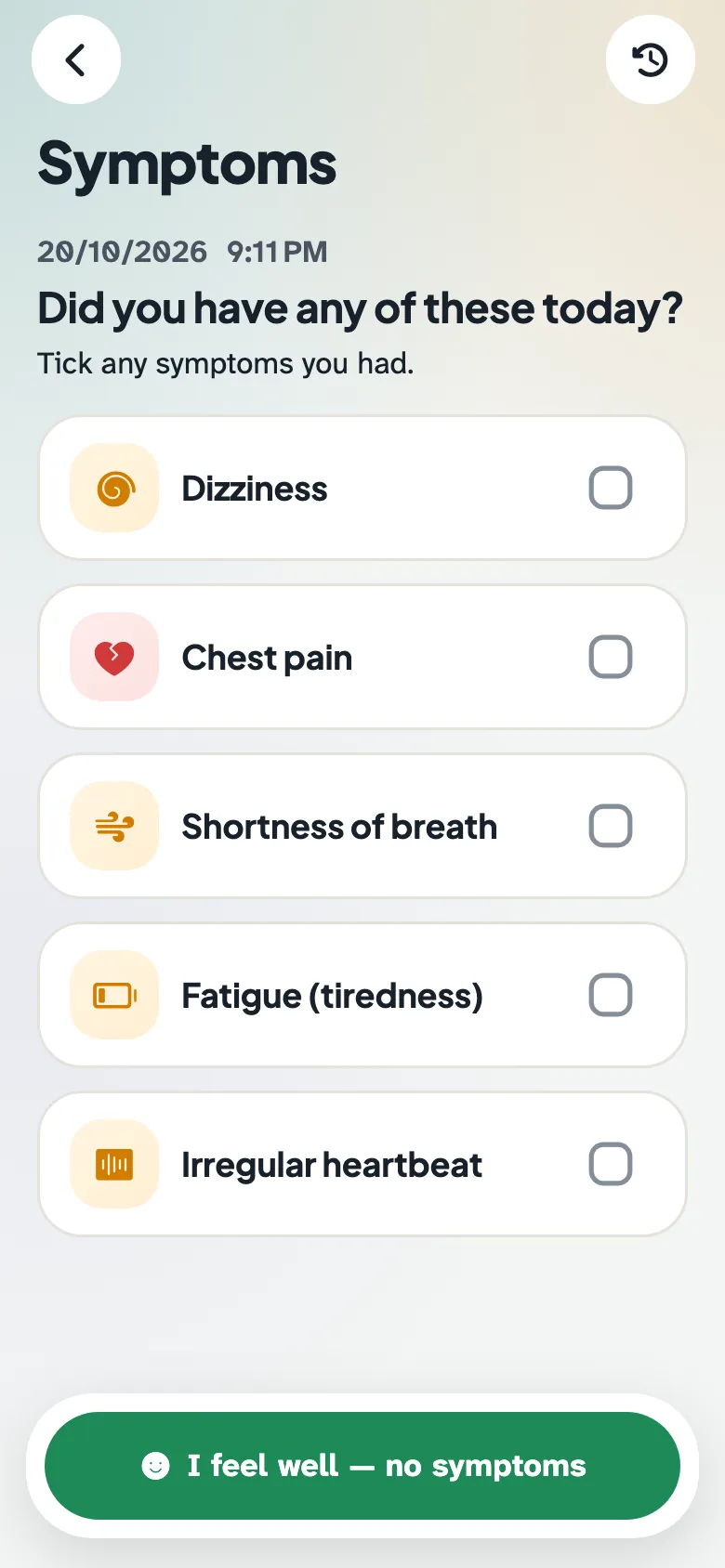
Symptoms
Record how you feel. Warning signs show call buttons straight away.
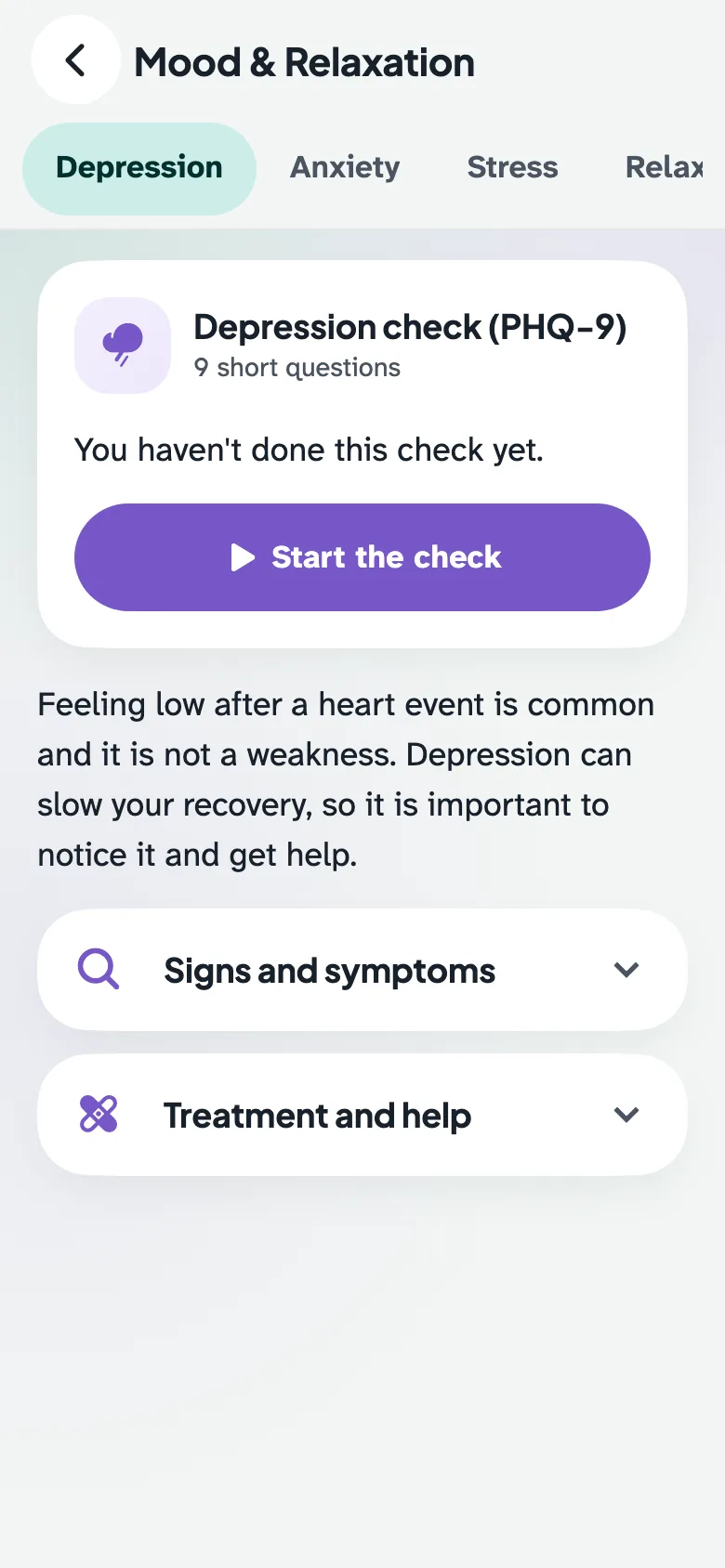
Mood & Relaxation
Short mood checks, a breathing exercise and relaxing audio.
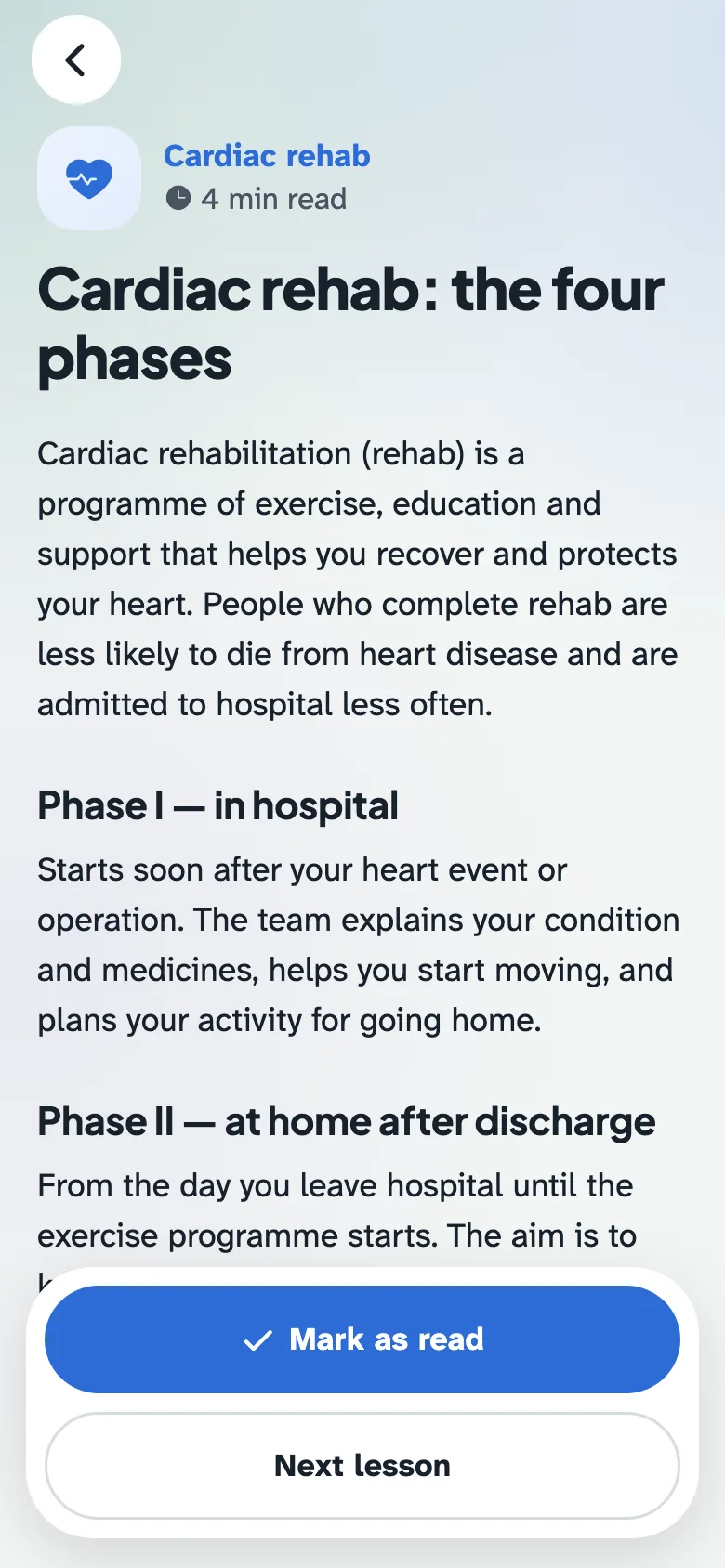
Education
Easy lessons about your heart, food and medicines.
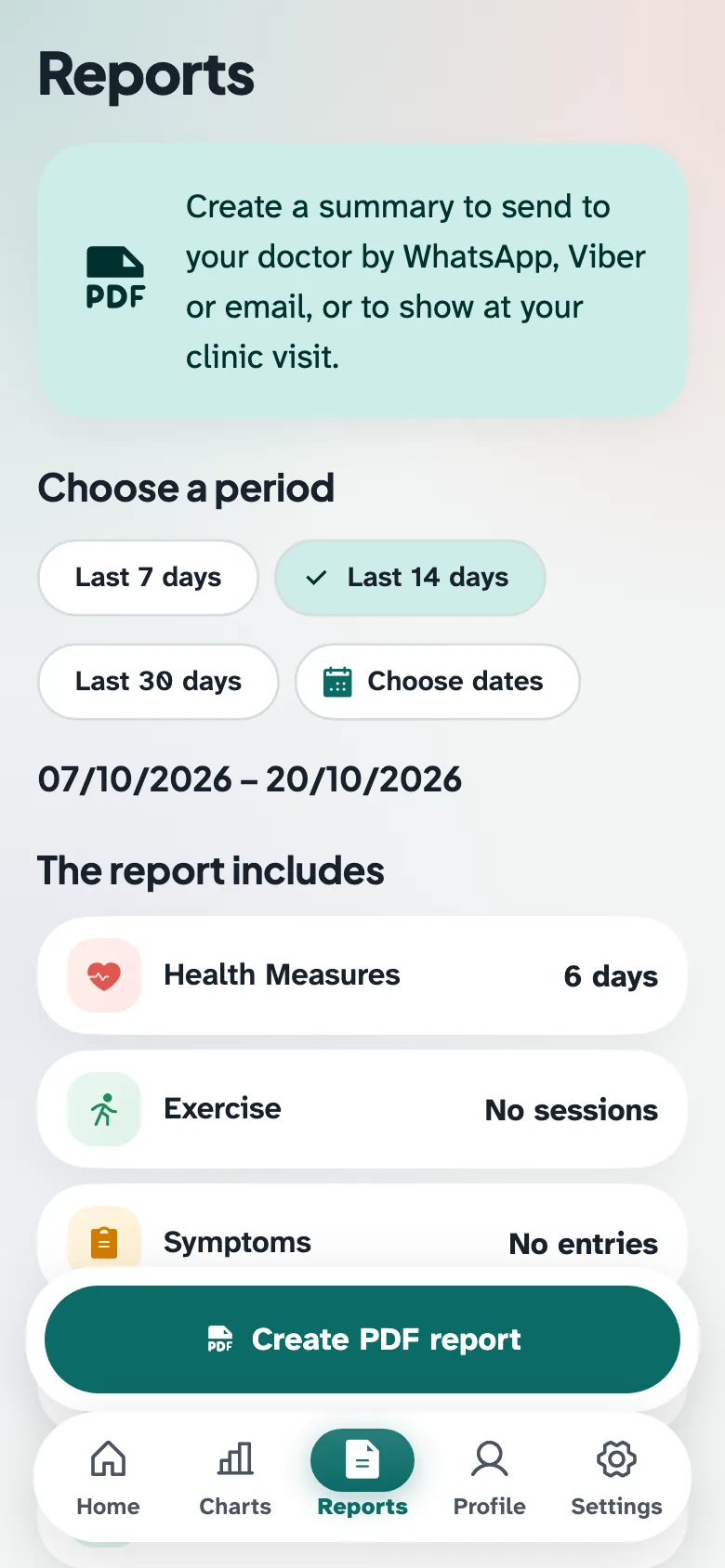
Charts & reports
See your progress and share a PDF report with your doctor.
Emergency help
One tap to call an ambulance (1990) or your family.
Take a look inside
Private and safe
Read the privacy policy- Everything you enter is saved only on this phone.
- No internet is needed, and nothing is sent anywhere.
- Your information is locked (encrypted) inside the app.
- Save a backup file now and then, so you don't lose your data if you change phones.
- No ads, no account, no login.
Questions
Is HeartPath free?
Yes. It is completely free and has no ads.
Which phones can use it?
Android phones with Android 7 or newer. It does not work on iPhone yet.
Is it safe to install from a website?
Yes. Phones show a warning for every app that does not come from the Play Store. HeartPath does not use the internet, and your information never leaves your phone.
Do I need internet?
Only to download it. After that, the app works without internet.
What if I change my phone?
In the app, go to Settings → Backup and restore and save a backup file (for example to Google Drive or WhatsApp). On your new phone, install HeartPath and restore the file.
How do I get updates?
Come back to this page and install the new version the same way. Do not uninstall the old app — your information is kept.
Does the app replace my doctor?
No. HeartPath supports your rehabilitation at home. It does not replace your doctor or emergency care. If you feel unwell, call your doctor, or 1990 for an ambulance.
Technical details (for helpers)
- Version
- 1.0.0 (2)
- Size
- 71 MB
- Needs
- Android 7.0 or newer
- Package
lk.hometelecr.app- SHA-256 checksum
dc981ba411aec17b591d5fe8ef76ad26f35983414e6883172c3cd6bba88d8463